Dayı · DAI, Defence AI · Desktop assistant

Answers from your documents, sources attached.

Dayı is a Windows desktop assistant that talks to your documents, applications and databases. It tracks projects, writes documents in your own templates, reviews specifications, plans work and checks mail, on your own models inside a closed network.

Crudfab / Products / Dayı

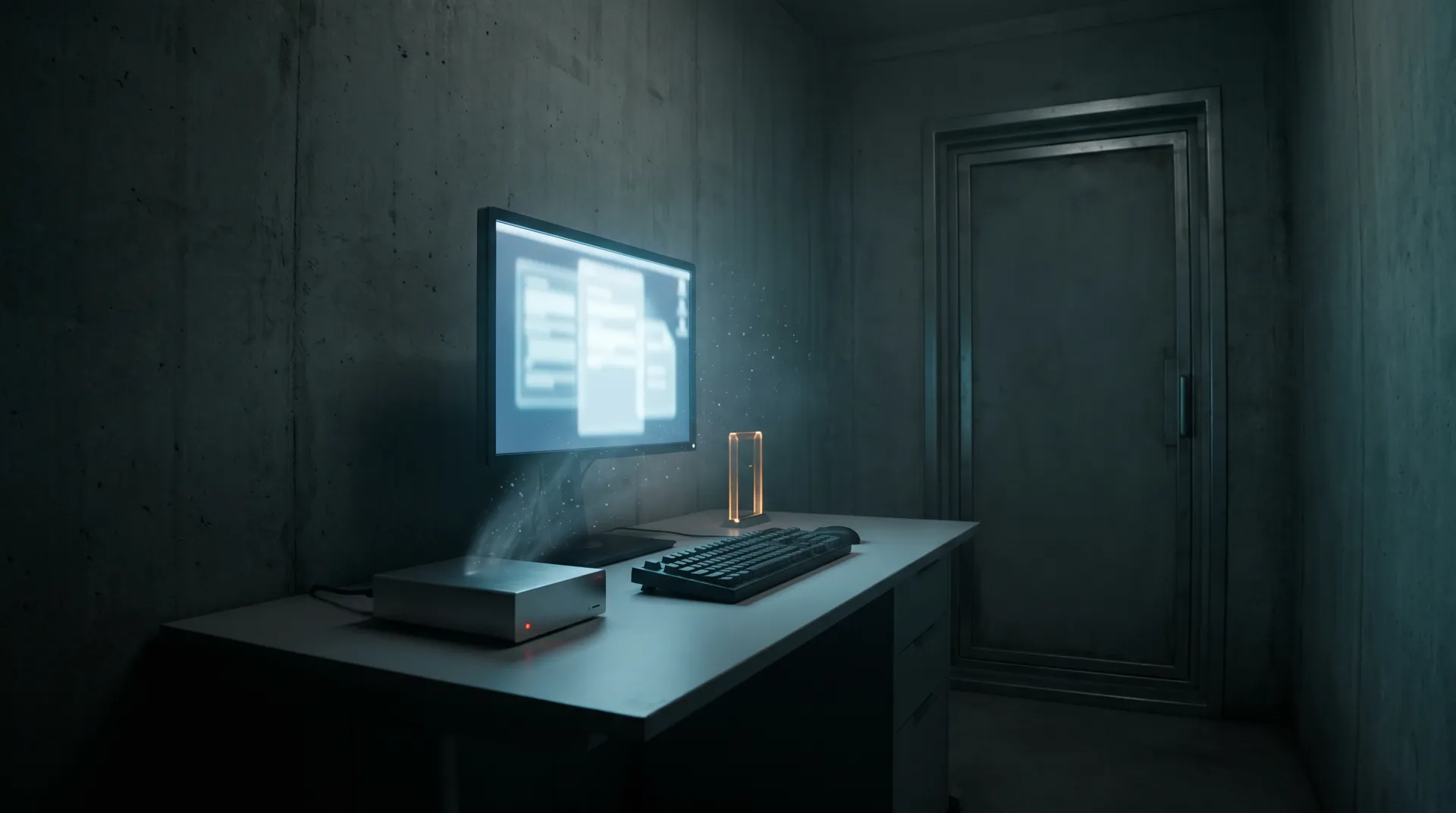
The agent platform, on one desk. Your documents stay on the workstation, your models stay on your network, and every action waits at a gate you control.

Reads, connects, gets the work done.

Dayı brings AgenFab's agent abilities to a single workstation, built for networks with no way out.

Corporate RAG

Cited answers from your documents

Indexes files, folders, network shares, scans and recordings on the workstation, and lists the sources under every answer.

MCP and integrations

Talks to your applications

Works in Word, Excel, PowerPoint and Outlook, and reaches your databases and internal applications through MCP servers.

Agent

Does the work, then proves it

Tracks projects, drafts documents, reviews specifications, plans and checks mail; a second model checks every claim against what actually ran.

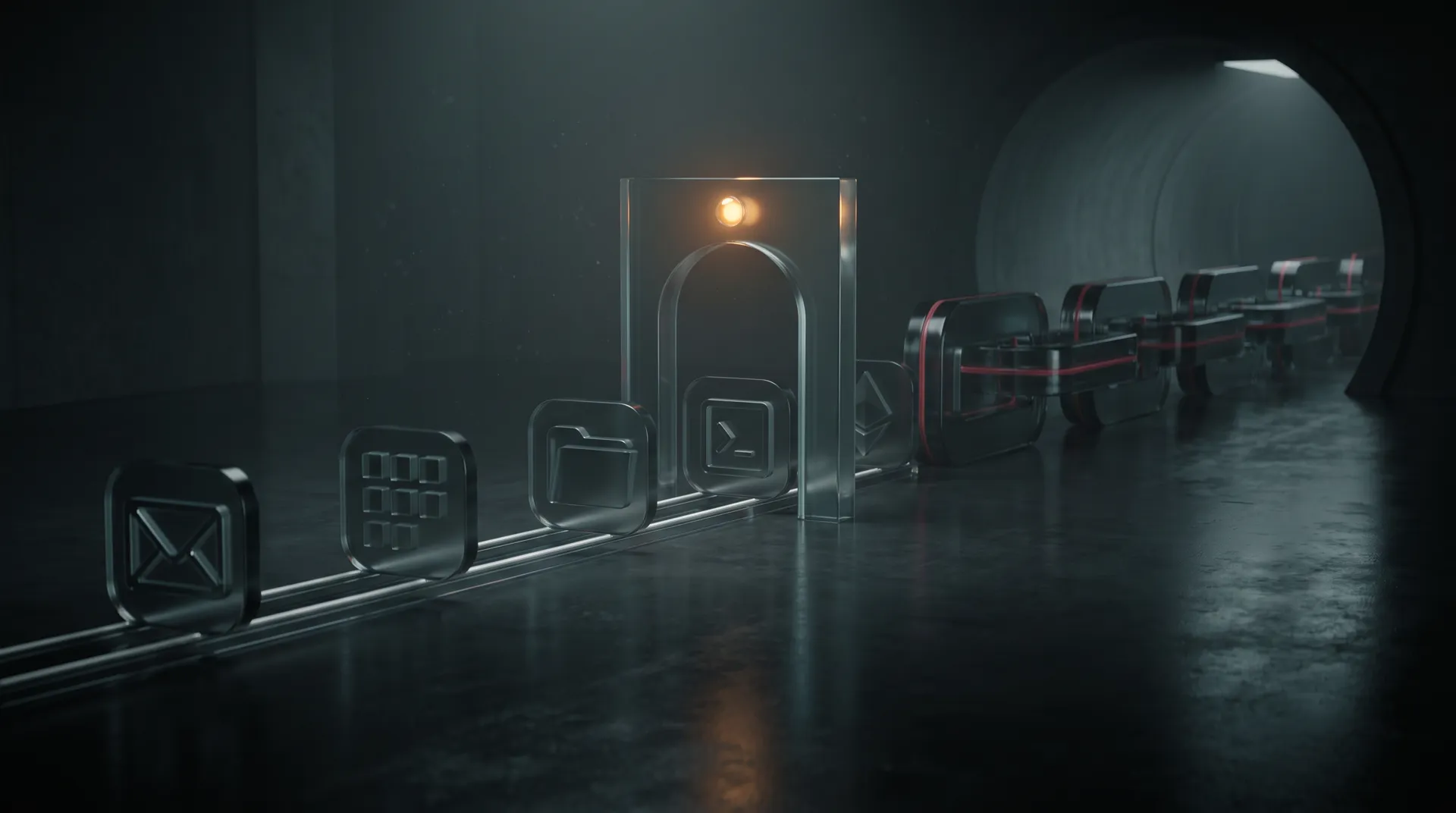
How a request becomes finished work.

Every step runs in the application's main process, which treats everything it receives as untrusted.

01

Sources

Vector and keyword hits are fused and reranked; only files the user can still open are used.

02

Plan

The agent picks tools: Office, Outlook, MCP servers, the bundled Python or the sandbox.

03

Gate

Each tool call passes a deny, ask and allow chain; irreversible steps wait for a yes.

04

Check

The Silent Auditor compares the assistant's "done" with the record of what actually ran.

05

Record

Approvals and actions go into a local audit log and a hash-chained file.

Corporate RAG

Every answer shows where it came from.

The document index lives on the workstation, in SQLite with vector and full-text search.

  • Documents are split into overlapping chunks, and a model can add a line of context to each chunk before it is embedded.
  • Each query fuses vector and keyword results, a reranker orders them, and inline citation numbers link to the sources under the answer.
  • Scanned PDFs and images go through OCR, and audio files and video soundtracks are transcribed and indexed. 34 file types are accepted.
  • Focus analysis reads up to eight documents in depth, and a shared corpus package can be attached read-only on every desktop.
  • A document from a network share is used only while the user can still open its file with their own Windows identity.

Office, mail and documents

Works inside Office and writes in your own templates.

Projects, specifications, plans and mail are handled with the tools people already use.

  • Reads and writes Word, Excel and PowerPoint, and works with Outlook mail, calendar, contacts, tasks and notes.
  • Produces DOCX, XLSX, PPTX and PDF that take the styles, page layout, header and footer of a template you upload; Office does not need to be installed.
  • Reviews a specification against your documents, builds project plans and timelines, and adds charts and diagrams to reports.
  • New mail, replies and forwards open in Outlook for review instead of being sent.
  • Spreadsheet analysis runs in a bundled Python with pandas, and model-written code runs in an isolated sandbox with no file system or network.
Control

Every action passes a gate and leaves a trace.

Approvals are decided in the main process, not in the interface.

  • Tool calls are evaluated in a fixed order: deny, explicit ask, allow, configured default, ask. Rules are set per tool and per MCP server.
  • Operating-system commands run without a shell, from an allowlist, and the approval card shows the command exactly as it will run.
  • Unattended automations use a closed-by-default allowlist and never forward the question to the interface.
  • The audit log rejects edits, and a second append-only file chains every entry with SHA-256 so tampering shows.
Closed networks

Every way out has a switch, and the switch can be welded shut.

Built to run with no internet at all, against models on your own servers.

  • Model requests go only to the OpenAI-compatible endpoints you configure: vLLM, a gateway such as AIFab, or Ollama.
  • Web fetch, web search, browser control, form filling, MCP and the update check each sit behind their own switch.
  • A build can lock features off inside the executable, so editing the installed configuration cannot turn them back on.
  • No telemetry ships with the product, and updates come only from your own server after a hash check.
  • PIN lock and idle screen lock. Distributed as an MSI package for silent installation with SCCM.

More than a chat window.

01

Scheduled and event-driven work

Automations run on a schedule or start on a new mail, a new file in a watched folder or an upcoming meeting.

02

Goal mode

A run keeps working until criteria checked in code, not by a model, are met.

03

Built-in assistants

Fifteen assistants, seven skills, six document templates and four automation templates out of the box.

04

Any model you run

Context and output limits are read from the server, and behaviour never depends on a model's name.

05

Large results kept whole

A tool output too large for the context is saved with the chat, and the model reads and searches it later.

06

Turkish-aware matching

İ, I and ı are treated the same way in search and tags.

07

Three languages

The interface speaks Turkish, English and right-to-left Arabic.

08

White label

Name and vendor details come from configuration, so the product can ship under your own name.

Put Dayı on your desks.

Request a briefing
Mobile and WhatsApp
+90 540 278 33 22
Email
hello@crudfab.com